Twirlo app icon

Can't decide?
Let fate decide.

Twirlo is the quickest, most fun way to make any decision. Pick a wheel, give it a spin, and let the wheel choose.

🆓 Free 📱 iPhone 🎡 Custom wheels 🔒 No account
Coming soon to the App Store
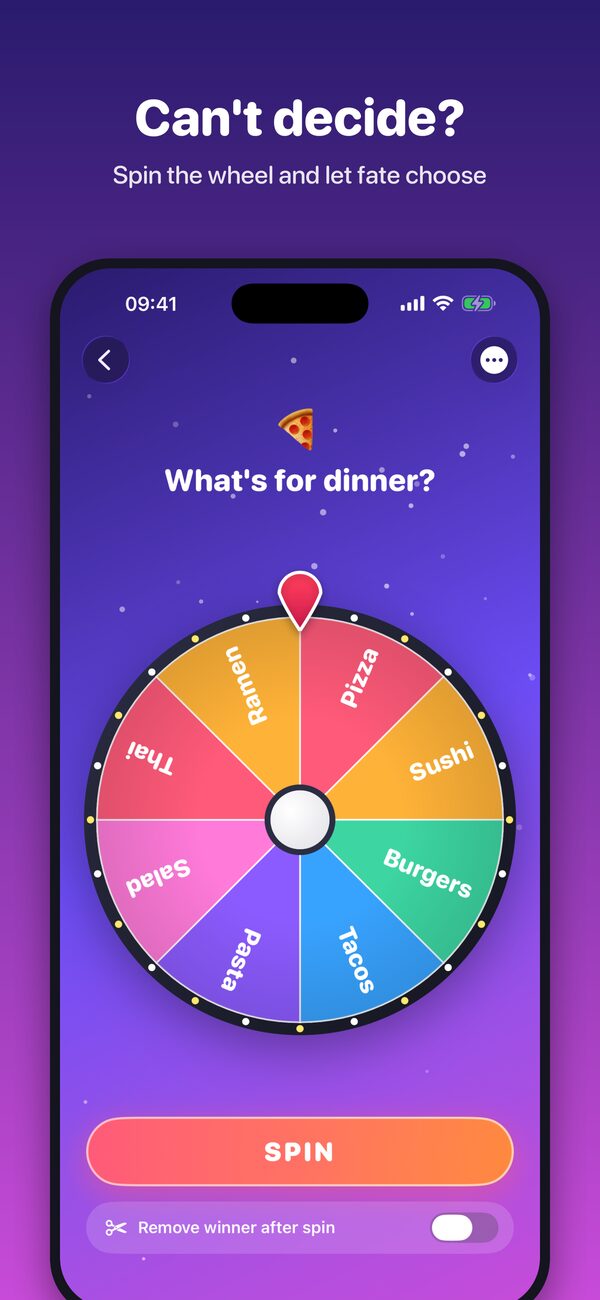
Spin, decide, repeat

A wheel for every question, with confetti for every answer

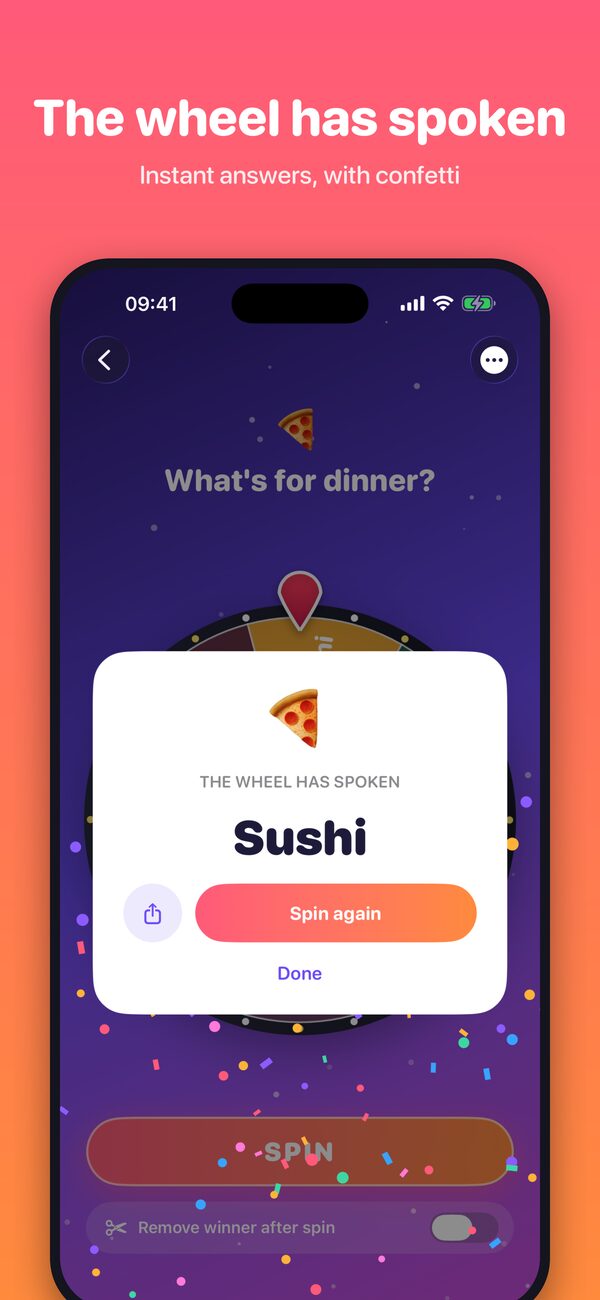
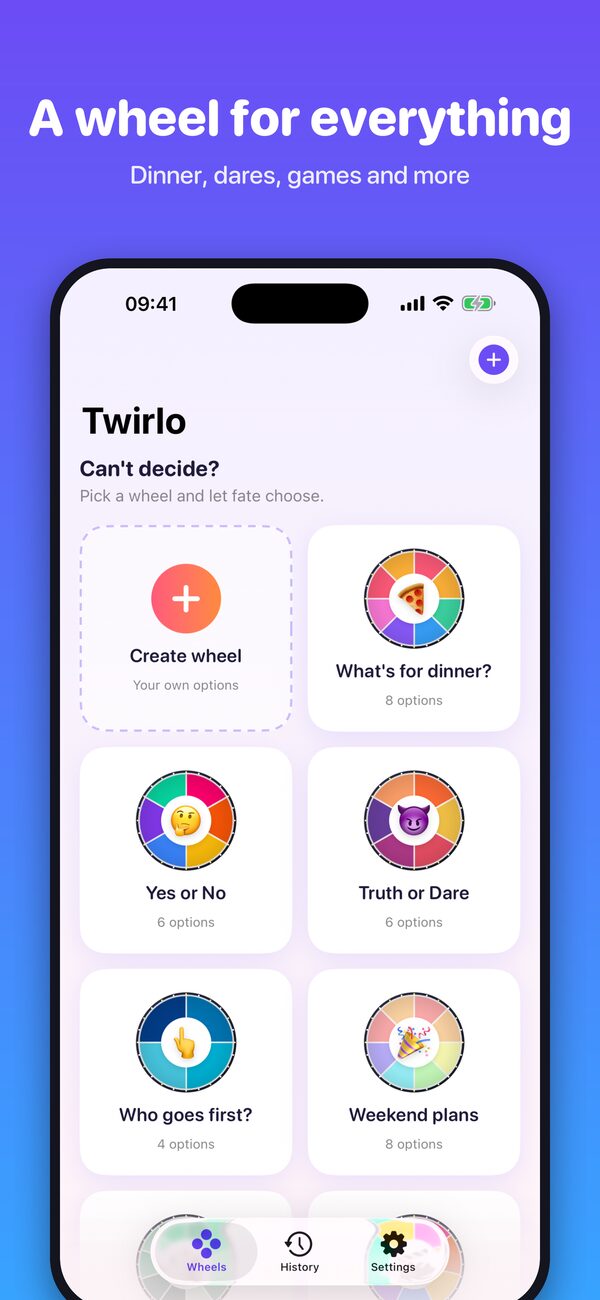
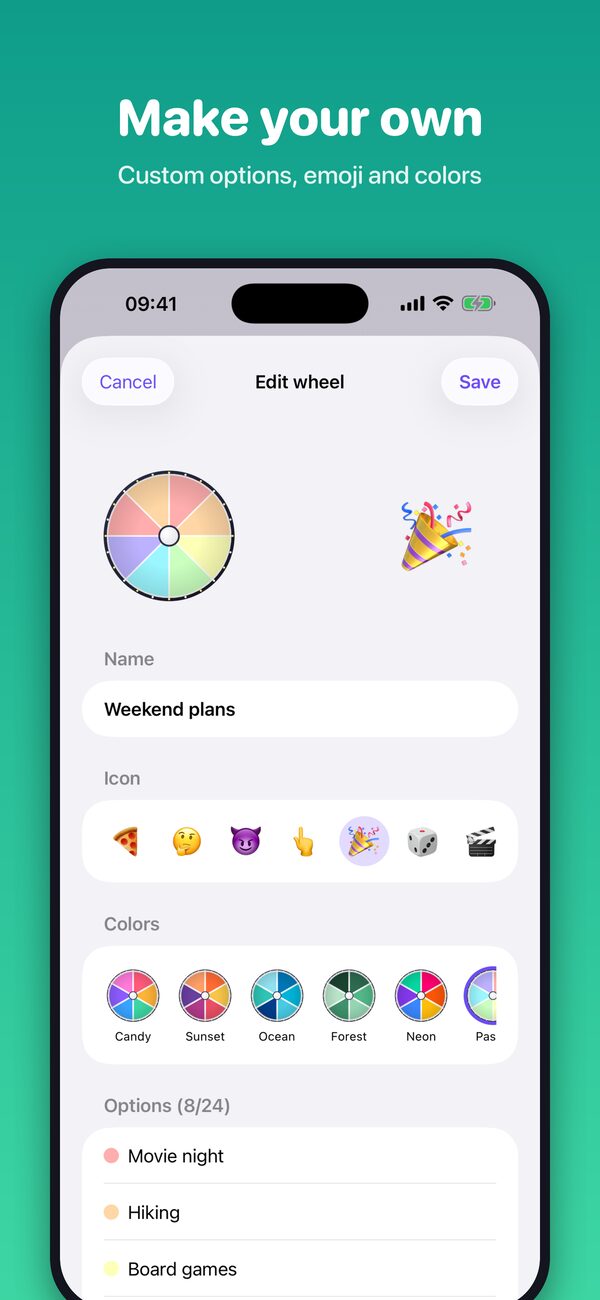
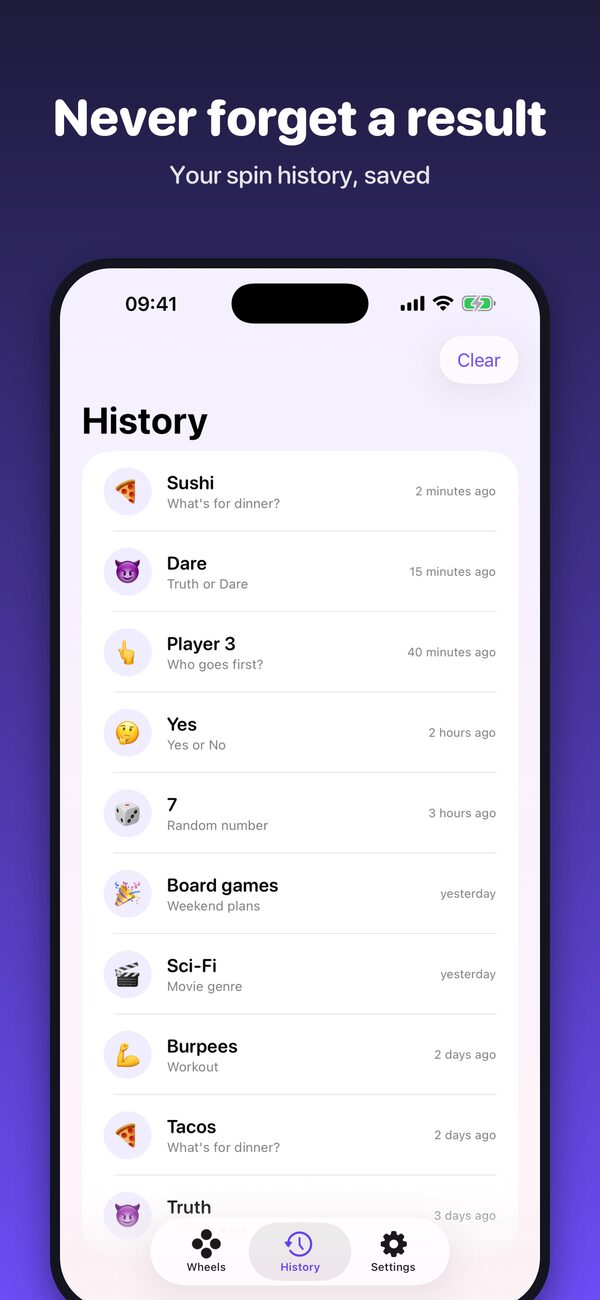
Spin the wheel: What's for dinner? The wheel has spoken: Sushi Ready-made wheels for everything Make your own wheel with emoji and colors Spin history

Wheels for everything

Start with a ready-made wheel or build your own in seconds

🍕 What's for dinner? 🤔 Yes or No 😈 Truth or Dare 👆 Who goes first? 🎉 Weekend plans 🎲 Random number 🎬 Movie genre 💪 Workout 🎁 Giveaways 🧹 Chores 🏫 Classroom picks

Small app, lots of fun

Everything you need to settle any debate

🎡

Satisfying spins

A smooth, realistic wheel with a tick and a tap of haptics on every slice, and a confetti celebration when it lands.

✏️

Make your own

Add up to 24 options, or paste a whole list at once. Repeat an option to give it a bigger chance of winning.

🎨

Emoji & colors

Give every wheel an emoji and pick from six color themes: Candy, Sunset, Ocean, Forest, Neon and Pastel.

✂️

Remove the winner

Each winner leaves the wheel after its spin. Perfect for raffles, picking teams and deciding turn order.

🕘

History

Every result is saved, so you can always check who won, what you picked, and when.

📤

Share it

Send a result or a whole wheel to friends in one tap. Shuffle the order and set the spin length to taste.

Free to download

Twirlo is free on the App Store and supported by ads. No subscriptions, no account, no sign-up. Just spin.

Read our privacy policy

Questions & support

Need help? Contact us and we'll get back to you.

Is every spin really random?

Yes. Each spin picks a winner at random, with every slice having the same chance. To make an option more likely, add it to the wheel more than once.

Where are my wheels stored?

Only on your iPhone. Twirlo has no account and no servers, so your wheels and history never leave your device (except in your own iPhone backups).

How do I change my ad privacy choices?

If you're in a region where ad consent applies, open Twirlo › Settings › Ad privacy choices. You can also control tracking in iOS Settings › Privacy & Security › Tracking. See the privacy policy for details.

How do I delete a wheel?

Touch and hold a wheel on the Wheels tab and choose Delete. You can also edit or duplicate it from the same menu.

Can I turn off the sound or vibration?

Yes. Open Settings in the app to switch sound and haptics on or off and to change how long each spin lasts.