Mergo app icon

Swipe. Merge.
Reach 2048.

Mergo is the simple, addictive number puzzle you can learn in a minute and play for hours. Join matching tiles and see how high you can go.

🆓 Free 📱 iPhone 🧩 4 board sizes ✈️ Plays offline
Coming soon to the App Store

One rule. Endless fun.

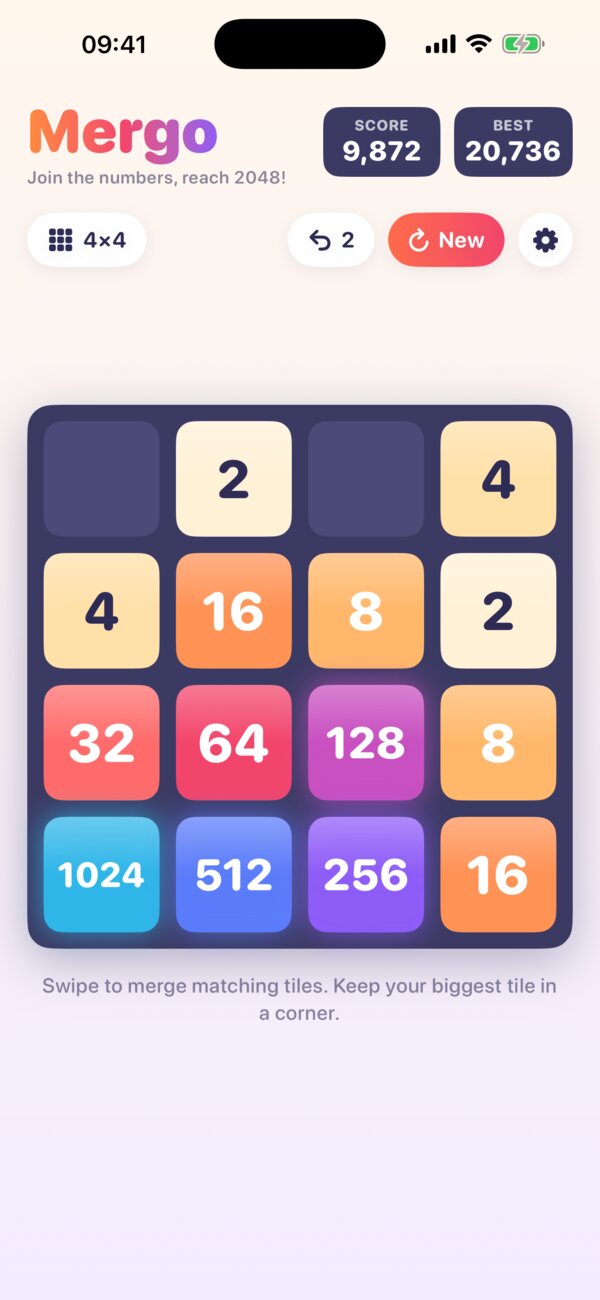
Matching tiles merge when they touch: 2 + 2 = 4, 4 + 4 = 8… all the way to 2048

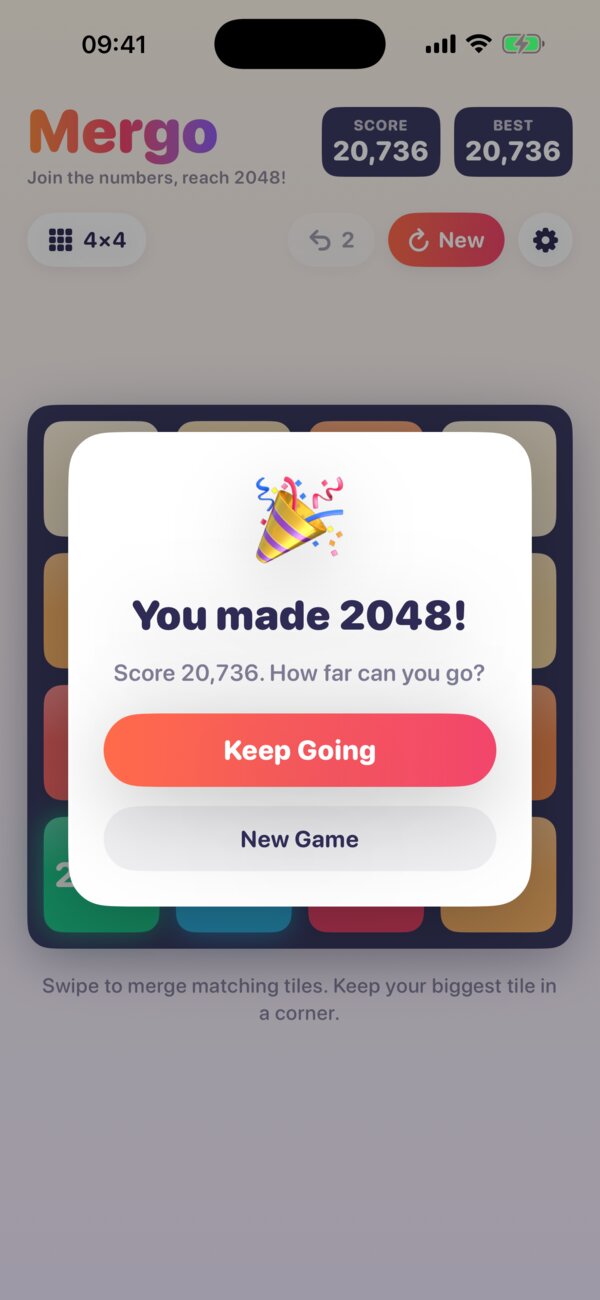
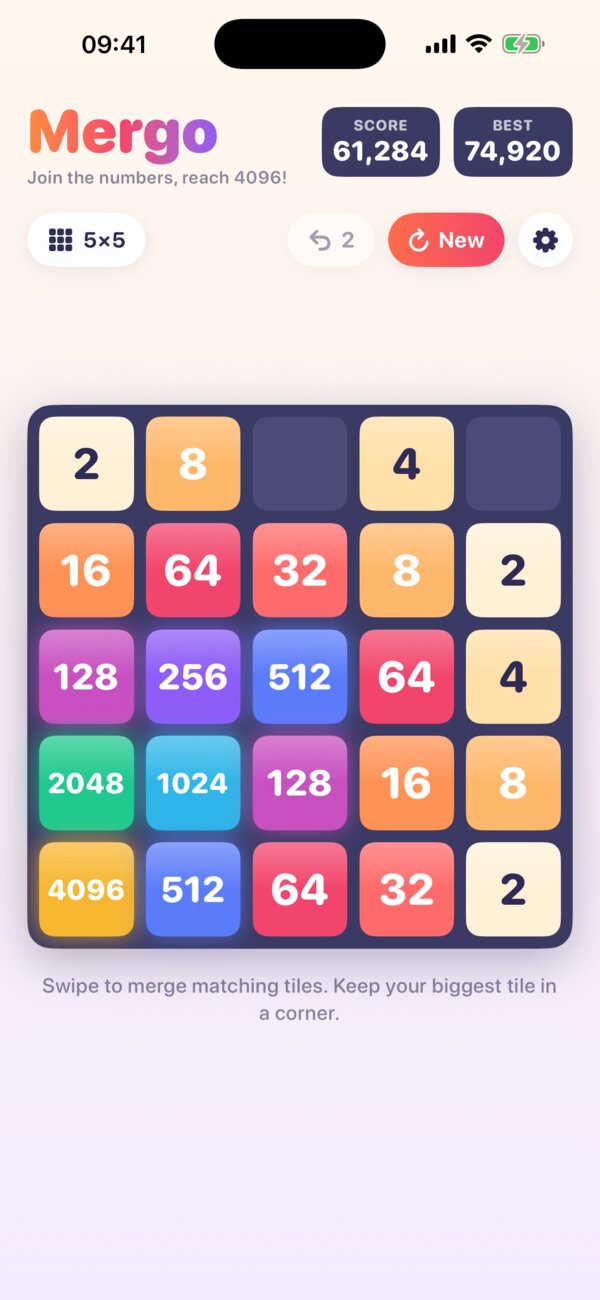
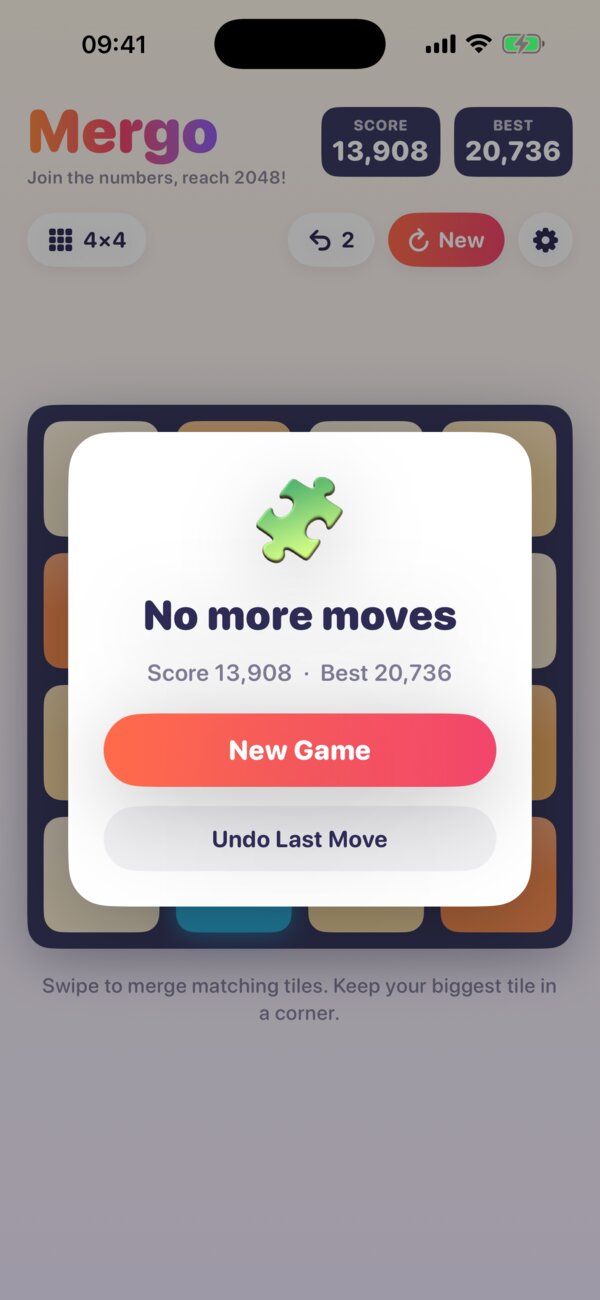
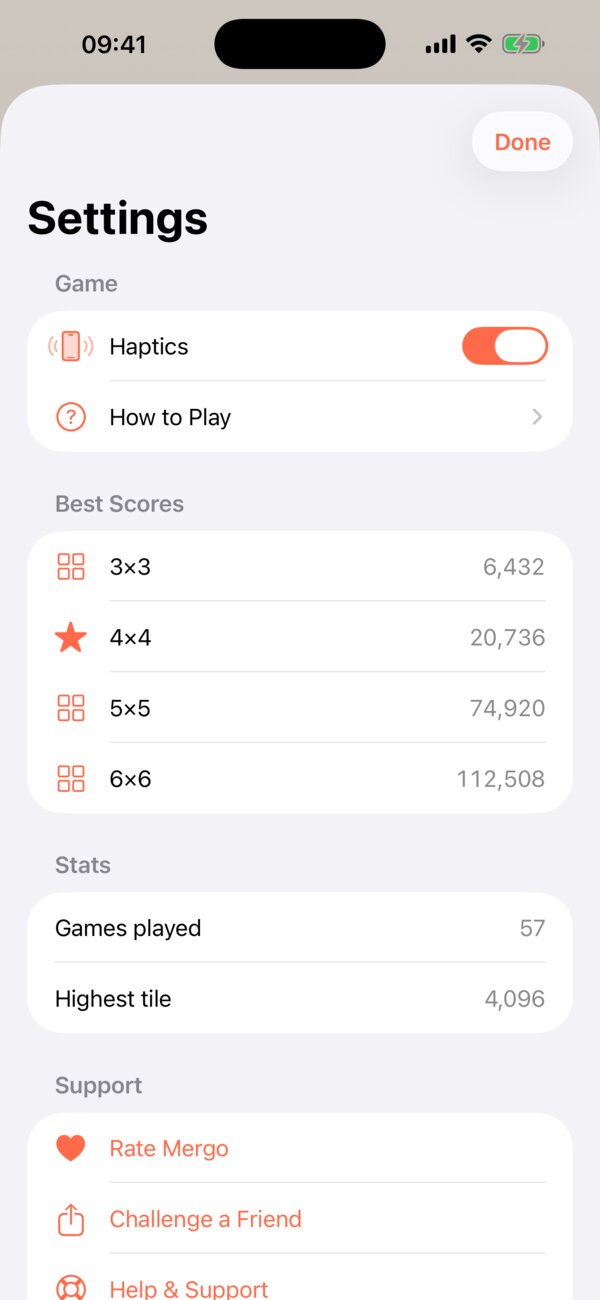
Swipe to merge matching tiles You made 2048! A 5×5 board No more moves, undo your last move Best scores and stats

Pick your challenge

Each board size keeps its own game and its own best score

⚡ 3×3 · reach 512 🏆 4×4 · reach 2048 🌿 5×5 · reach 4096 🏔️ 6×6 · reach 8192

Small game, big fun

Everything you want from a number puzzle, nothing you don't

👆

Smooth swipes

Tiles glide and pop with satisfying animations and gentle haptics on every merge.

↩️

Undo

Every game comes with free undos. Need more? Watch a short video and take back your mistake.

💾

Always saved

Close the app any time. Your game is waiting exactly where you left it, on every board size.

📊

Scores & stats

Best score for every board, games played and your highest tile ever.

✈️

Play anywhere

No account, no internet needed, no timers and no energy limits. Just you and the numbers.

🤝

Challenge friends

Share your best score and dare your friends to beat it.

Free to play

Mergo is free on the App Store and supported by ads. No subscriptions, no account, no sign-up. Just swipe.

Read our privacy policy

Questions & support

Need help? Contact us and we'll get back to you.

How do I play?

Swipe up, down, left or right. All tiles slide as far as they can, and two tiles with the same number merge into one. After every move a new 2 or 4 appears. Make the goal tile (2048 on the classic 4×4 board) to win, then keep going for a higher score.

Any tips?

Keep your biggest tile in a corner and build a chain of descending numbers next to it. Avoid swiping in the direction that pulls your big tile out of its corner.

How does Undo work?

Each game starts with 2 free undos. When they run out, you can watch a short video to get 3 more. You can undo up to your last 5 moves.

Will I lose my game if I switch board size?

No. Each board size keeps its own game in progress and its own best score, so you can switch any time.

How do I change my ad privacy choices?

If you're in a region where ad consent applies, open Mergo › Settings (gear button) › Ad Privacy Choices. You can also control tracking in iOS Settings › Privacy & Security › Tracking. See the privacy policy for details.

Can I turn off vibration?

Yes. Open Settings in the app and switch Haptics off.